How Text Formatting Tools Save Hours of Manual Work
In today’s fast-paced digital world, time is one of the most valuable resources. Whether you are a blogger, student, digital marketer, developer, or business owner, you deal with text every single day. Writing content is only one part of the job—formatting that content often takes just as much time, sometimes even more.
This is where text formatting tools come in. These tools automate repetitive formatting tasks, reduce errors, and help you focus on creativity instead of manual corrections. In this detailed guide, we’ll explore how text formatting tools save hours of manual work, why they are essential for productivity, and how platforms like TulsiDigitalHub.com make text processing simple and efficient.
What Are Text Formatting Tools?
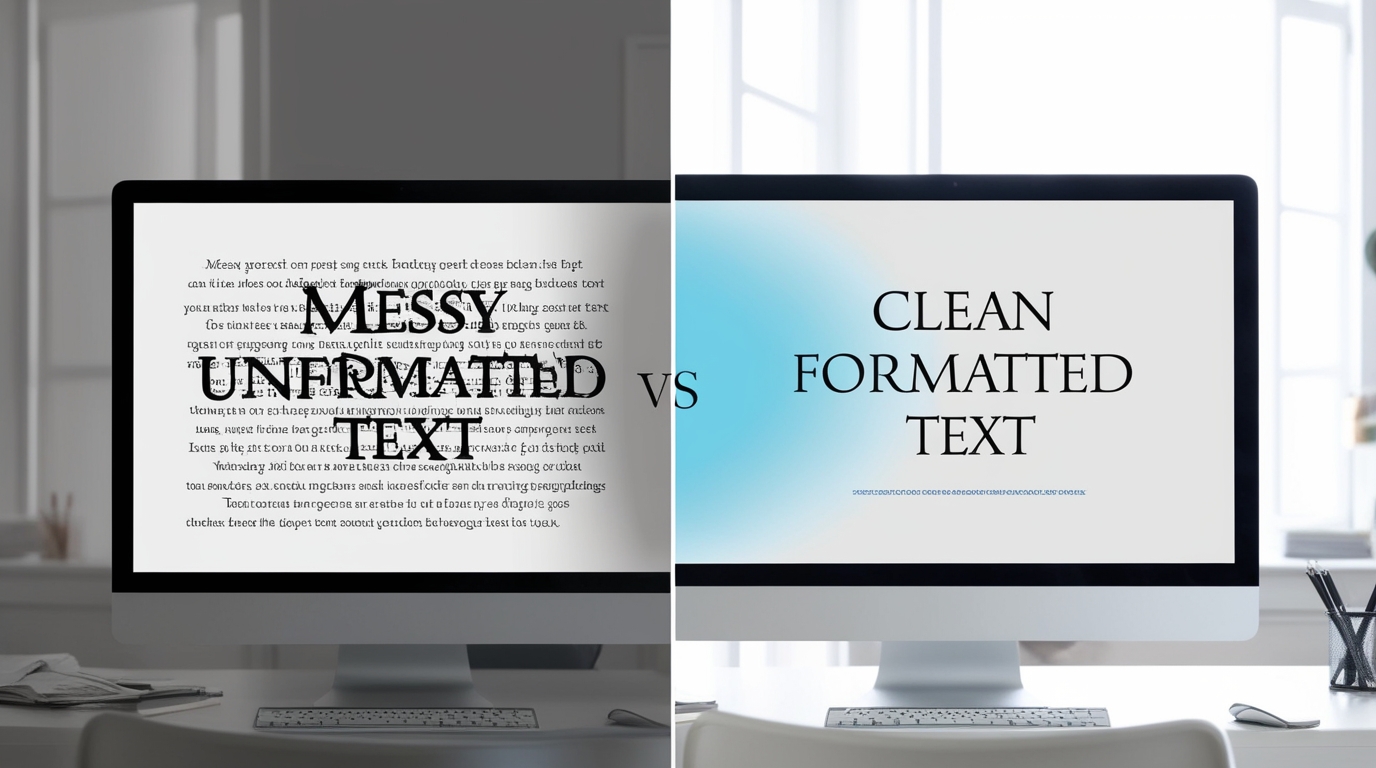
Text formatting tools are online utilities that help you modify, clean, and structure text automatically. Instead of manually editing paragraphs, spacing, capitalization, symbols, or HTML tags, these tools do the work in seconds.
Common text formatting tasks include:
Converting text to uppercase, lowercase, or title case
Removing extra spaces, line breaks, or unwanted characters
Formatting text for blogs, SEO, emails, and social media
Cleaning copied text from Word, PDFs, or websites
Structuring content for readability and consistency
Without these tools, users often spend unnecessary time repeating the same actions again and again.
The Hidden Time Cost of Manual Text Formatting

Manual formatting may seem harmless at first, but over time it adds up. Let’s look at how.
1. Repetitive Tasks Drain Productivity
Imagine formatting a 2,000-word article:
Adjusting headings
Fixing spacing
Capitalizing titles
Removing extra lines
Each task may take only a few minutes, but together they can consume 30–60 minutes per article.
2. Higher Risk of Human Errors
Manual work increases the chance of:
Missing extra spaces
Inconsistent formatting
Incorrect capitalization
Broken structure
Fixing these mistakes later costs even more time.
3. Mental Fatigue
Formatting is not creative work. Spending too much time on it leads to mental fatigue, reducing focus and writing quality.
How Text Formatting Tools Actually Save Hours
1. One-Click Formatting Instead of Repetition
Text formatting tools turn repetitive tasks into one-click actions.
For example:
Convert an entire document to sentence case instantly
Remove all extra spaces with a single click
Format paragraphs consistently across content
What takes 30 minutes manually can be done in 5 seconds.
2. Instant Cleanup of Copied Text
When you copy text from:
Microsoft Word
Google Docs
Websites
PDFs
It often includes hidden formatting, extra spaces, and unwanted line breaks.
Text formatting tools instantly clean this mess and give you plain, ready-to-use text.
3. Faster Content Publishing
For bloggers and marketers, speed matters. Formatting tools help:
Prepare blog content quickly
Optimize text for SEO
Maintain consistent style across posts
This means faster publishing, which directly improves content output and organic growth.
4. Consistent Formatting Across Platforms
Different platforms require different formatting styles:
Blogs need structured headings
Emails need clean spacing
Social media needs compact text
Text formatting tools allow you to reformat the same content for multiple platforms in seconds.
Real-World Use Cases: Who Benefits the Most?

Bloggers & Content Creators
Clean drafts quickly
Maintain consistent formatting
Focus more on writing quality
Students
Format assignments professionally
Remove extra spaces and errors
Save time before submissions
Digital Marketers
Prepare ad copies and landing page text
Maintain brand-consistent formatting
Speed up campaign execution
Developers & SEO Professionals
Clean structured text
Format metadata and content
Reduce manual editing during optimization
Popular Text Formatting Features That Save Time
Here are some of the most useful features you’ll find in modern formatting tools:
✔ Case Converter
Convert text into:
Uppercase
Lowercase
Sentence case
Title case
✔ Whitespace Remover
Remove:
Extra spaces
Blank lines
Unnecessary line breaks
✔ Text Cleaner
Perfect for copied content from Word or PDFs.
✔ Paragraph Formatter
Make long content more readable by organizing spacing and structure.
✔ SEO-Friendly Text Preparation
Clean and optimize text for better search engine readability.
All these features are available in seconds on TulsiDigitalHub.com, without any technical knowledge.
Manual Formatting vs Text Formatting Tools
| Task | Manual Work Time | With Tools |
|---|---|---|
| Remove extra spaces | 10 minutes | 1 click |
| Change text case | 5 minutes | Instant |
| Clean copied text | 15 minutes | Seconds |
| Format blog content | 30–45 minutes | 2–3 minutes |
The difference is clear: automation wins every time.
How Text Formatting Tools Improve Focus and Creativity
When formatting is automated:
Your mind stays focused on ideas and creativity
You avoid repetitive, boring tasks
You work faster without stress
This mental clarity directly improves:
Writing quality
Accuracy
Overall productivity
Instead of fixing spaces and cases, you spend time creating valuable content.
Why Use Free Online Text Formatting Tools?
Free online tools provide:
No installation required
Instant access
Device compatibility
Beginner-friendly interfaces
At Tulsi Digital Hub, our tools are designed to be:
Fast
Simple
SEO-friendly
Suitable for students, professionals, and creators
You don’t need advanced software—just paste your text and format it instantly.
The Future of Text Work Is Automation
As digital content grows, manual formatting will become even more inefficient. Smart creators already rely on:
Automation tools
Online utilities
Time-saving workflows
Text formatting tools are not optional anymore—they are essential productivity boosters.
Conclusion
Text formatting tools save hours of manual work by eliminating repetitive tasks, reducing errors, and improving efficiency. Whether you’re writing blogs, managing marketing content, preparing assignments, or optimizing SEO text, these tools allow you to work smarter, not harder.
By using free and reliable tools from TulsiDigitalHub.com, you can:
Save time
Improve accuracy
Increase productivity
Focus on what truly matters
If you haven’t started using text formatting tools yet, now is the perfect time.