All-in-One Digital Tools vs Single-Purpose Tools: Which Is Better?
In today’s fast-paced digital world, productivity is no longer optional—it’s essential. Whether you’re a freelancer, student, startup founder, or business owner, the tools you use can either simplify your work or slow you down. One of the biggest questions people face today is:
Should you use all-in-one digital tools or stick with single-purpose tools?
Both options have their strengths and weaknesses, and the “best” choice depends on how you work, what you need, and how much flexibility you want. In this detailed guide, we’ll break down all-in-one digital tools vs single-purpose tools, compare them side by side, and help you decide which is better for your workflow.
What Are All-in-One Digital Tools?
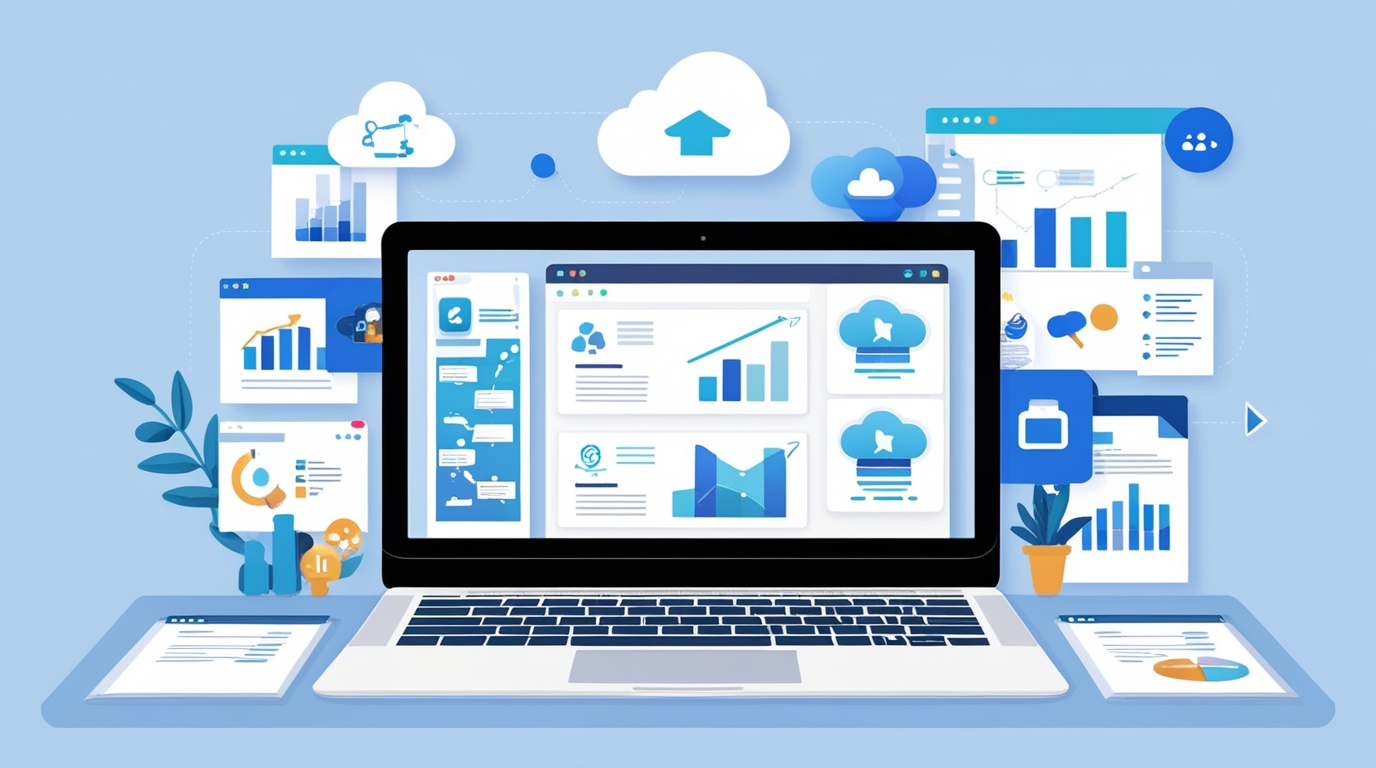
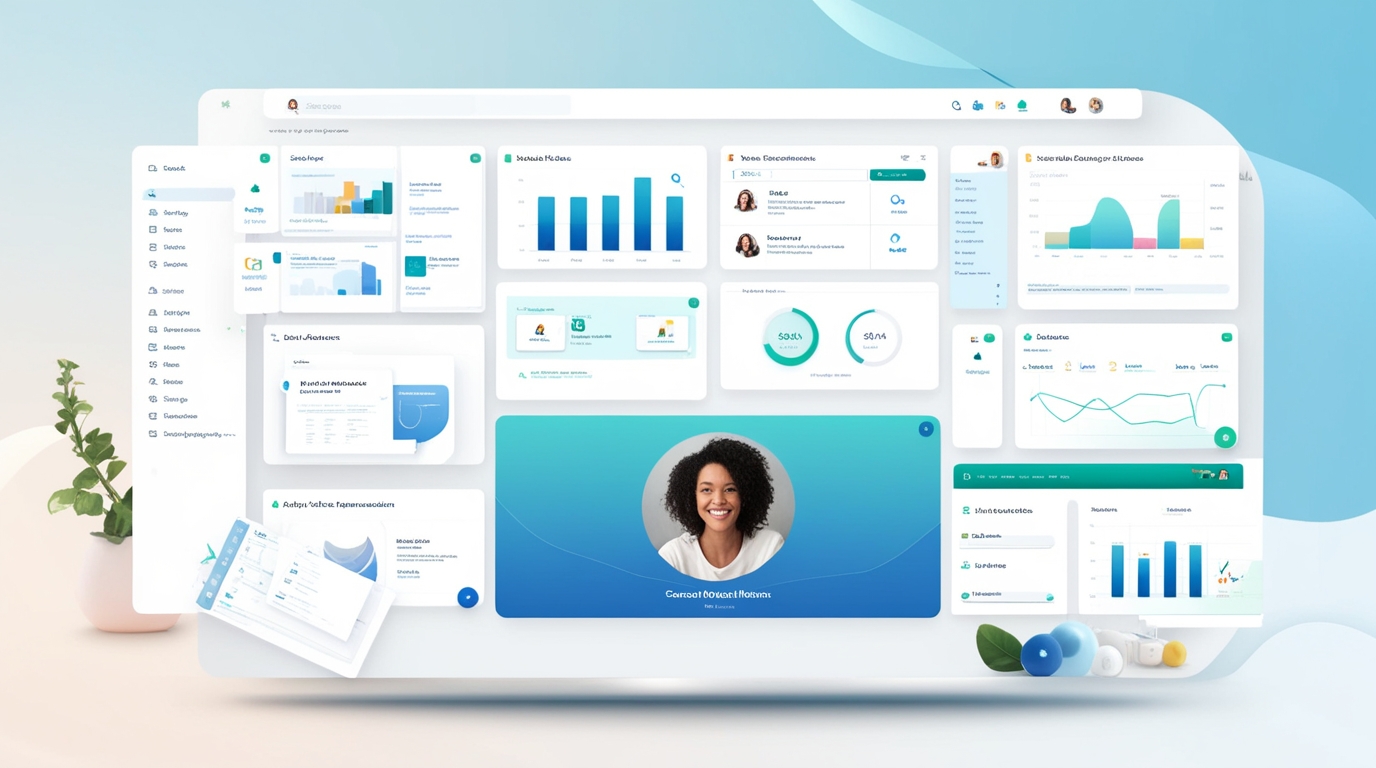
All-in-one digital tools are platforms that combine multiple features into a single dashboard. Instead of using separate apps for writing, file storage, task management, design, and communication, everything is available in one place.
Common Features of All-in-One Tools
Document creation and editing
Task and project management
File storage and sharing
Collaboration tools
Analytics or reporting
Automation features
These tools are designed to reduce app switching, improve focus, and save time.
What Are Single-Purpose Tools?
Single-purpose tools are designed to do one specific task extremely well. Instead of offering multiple features, they focus on performance, precision, and depth in a single function.
Examples of Single-Purpose Tool Categories
Writing & grammar checking
Graphic design
Video editing
Email marketing
Accounting & invoicing
Many professionals rely on multiple single-purpose tools to create a customized workflow.
All-in-One Digital Tools: Pros and Cons
✅ Advantages of All-in-One Digital Tools
1. Everything in One Place
The biggest benefit is convenience. You don’t need to open multiple apps or remember dozens of passwords.
2. Saves Time & Improves Focus
Switching between tools causes distraction. A single platform keeps your workflow smooth and efficient.
3. Cost-Effective
Instead of paying for 5–6 subscriptions, you pay for one tool that covers most needs.
4. Better Collaboration
Teams can work together in real time without exporting files or switching platforms.
5. Beginner-Friendly
Perfect for users who don’t want technical complexity or steep learning curves.
❌ Disadvantages of All-in-One Tools
Features may not be as advanced as specialized tools
Limited customization for niche tasks
Dependence on one platform (if it goes down, everything stops)
Single-Purpose Tools: Pros and Cons
✅ Advantages of Single-Purpose Tools
1. Best-in-Class Performance
These tools are optimized for one job, offering more control and advanced features.
2. Greater Flexibility
You can mix and match tools based on your exact needs.
3. Ideal for Professionals
Designers, editors, and marketers often prefer specialized tools for high-quality output.
❌ Disadvantages of Single-Purpose Tools
Higher total cost due to multiple subscriptions
More time wasted switching between apps
Complex integrations and compatibility issues
Steeper learning curve
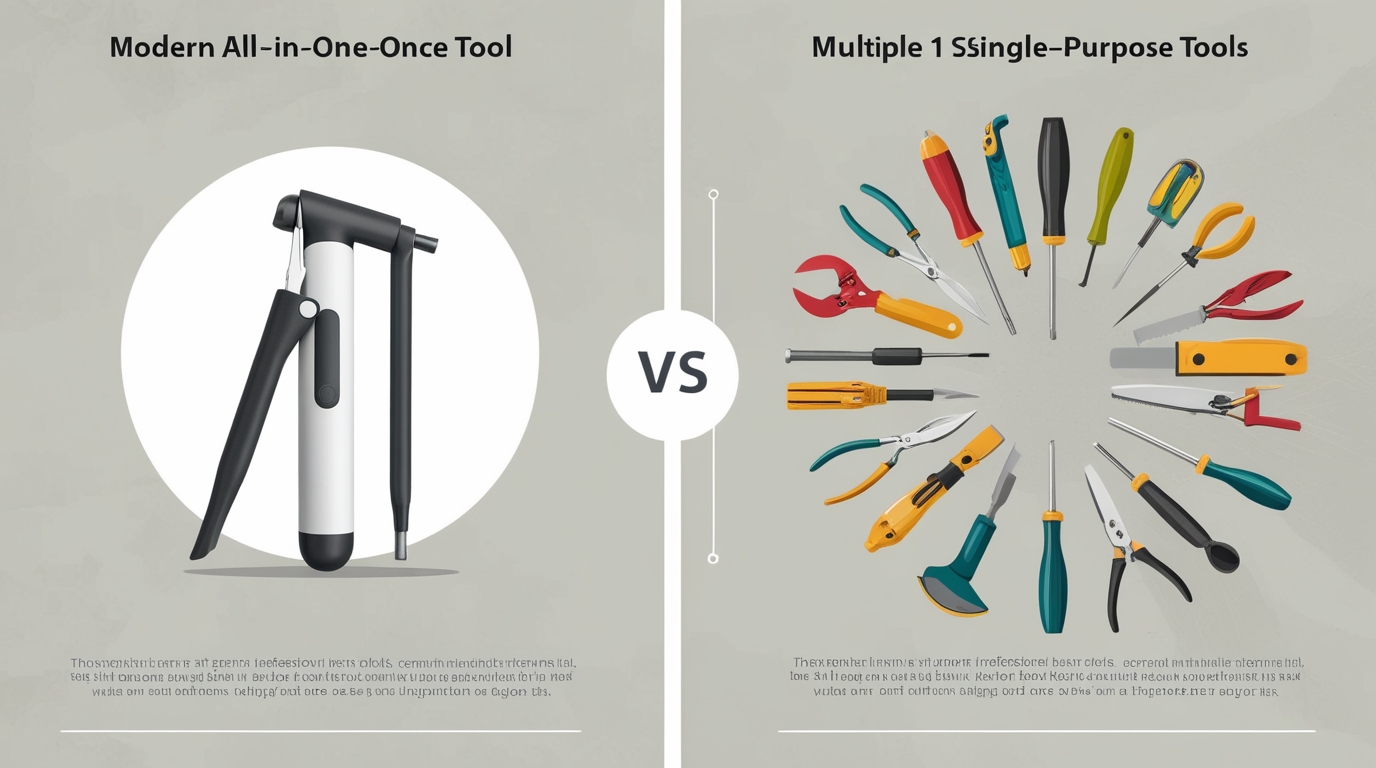
All-in-One vs Single-Purpose Tools: Quick Comparison
| Feature | All-in-One Tools | Single-Purpose Tools |
|---|---|---|
| Ease of Use | ⭐⭐⭐⭐⭐ | ⭐⭐⭐ |
| Cost | ⭐⭐⭐⭐ | ⭐⭐ |
| Advanced Features | ⭐⭐⭐ | ⭐⭐⭐⭐⭐ |
| Productivity | ⭐⭐⭐⭐⭐ | ⭐⭐⭐ |
| Customization | ⭐⭐⭐ | ⭐⭐⭐⭐⭐ |
| Best For | Freelancers, startups, students | Specialists, large teams |
Which Is Better for Different Users?
For Freelancers
All-in-one tools are usually the better choice. They reduce costs, simplify workflows, and help manage multiple clients easily.
For Students
Students benefit from all-in-one tools that combine note-taking, research, and organization.
For Startups & Small Businesses
All-in-one tools save money and help teams collaborate efficiently without heavy software investment.
For Large Enterprises
Single-purpose tools may work better due to advanced requirements and specialized teams.
For Creatives & Specialists
Designers, video editors, and developers often prefer single-purpose tools for precision and quality.
Why All-in-One Digital Tools Are Gaining Popularity
The rise of remote work, freelancing, and digital businesses has increased demand for simple, integrated solutions. People want tools that:
Save time
Reduce costs
Work across devices
Require minimal setup
This is why many users are shifting toward all-in-one digital platforms that handle daily tasks efficiently.
How to Choose the Right Tool for You
Ask yourself these questions:
Do I need advanced features or simplicity?
Am I working alone or with a team?
What’s my monthly budget?
Do I want one dashboard or multiple specialized tools?
How tech-savvy am I?
Your answers will guide your decision.

Final Verdict: Which Is Better?
There is no universal winner.
All-in-one digital tools are best for users who value simplicity, affordability, and productivity.
Single-purpose tools are ideal for users who need maximum control and professional-grade features.
For most individuals, freelancers, and small teams, all-in-one digital tools offer the best balance of cost, ease, and efficiency.
Conclusion
Choosing between all-in-one digital tools and single-purpose tools depends on your workflow, goals, and experience level. As digital work continues to evolve, tools that simplify life without sacrificing quality will always have an edge.
If your goal is to work smarter, save time, and stay organized, all-in-one digital tools are worth serious consideration.